Zebra's OpenSpand Support Website

Note to webmaster: Make this a 1-time popup.
THE OpenSpand PROJECT
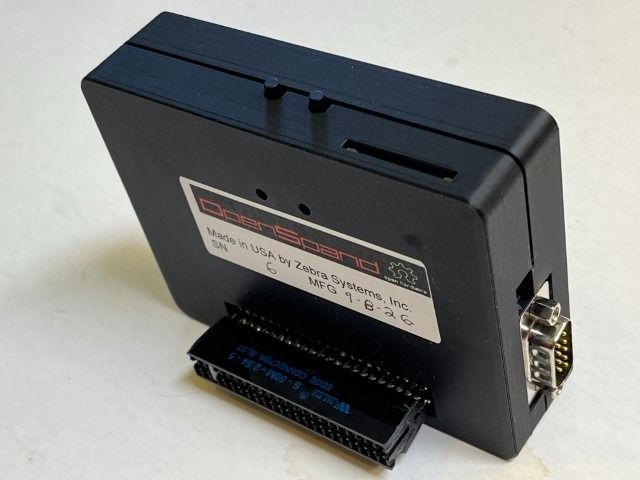
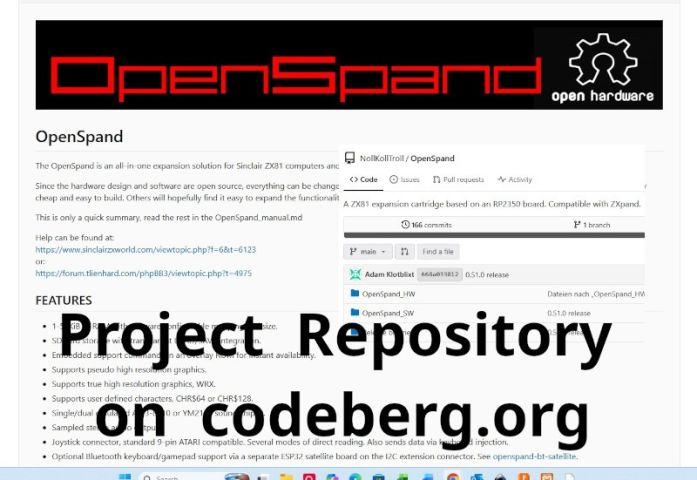



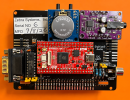
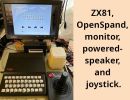
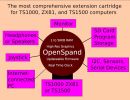
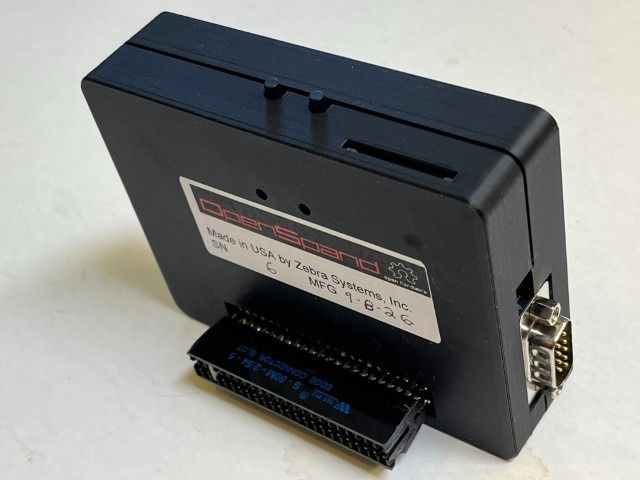
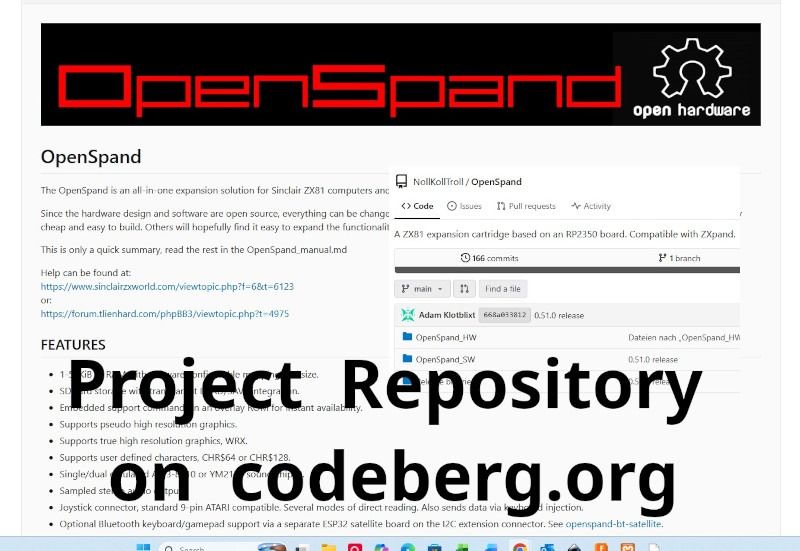
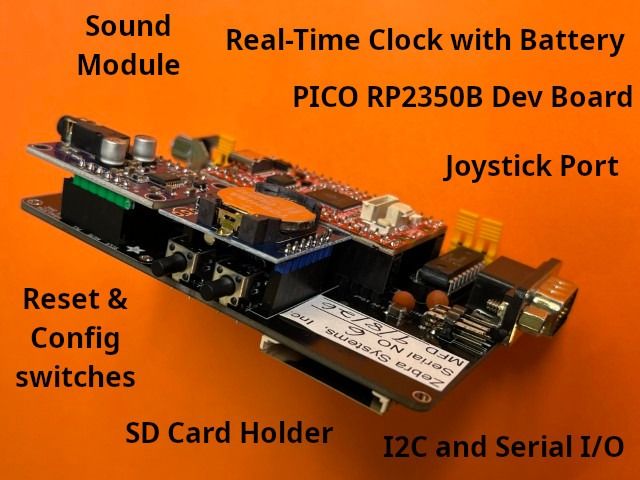
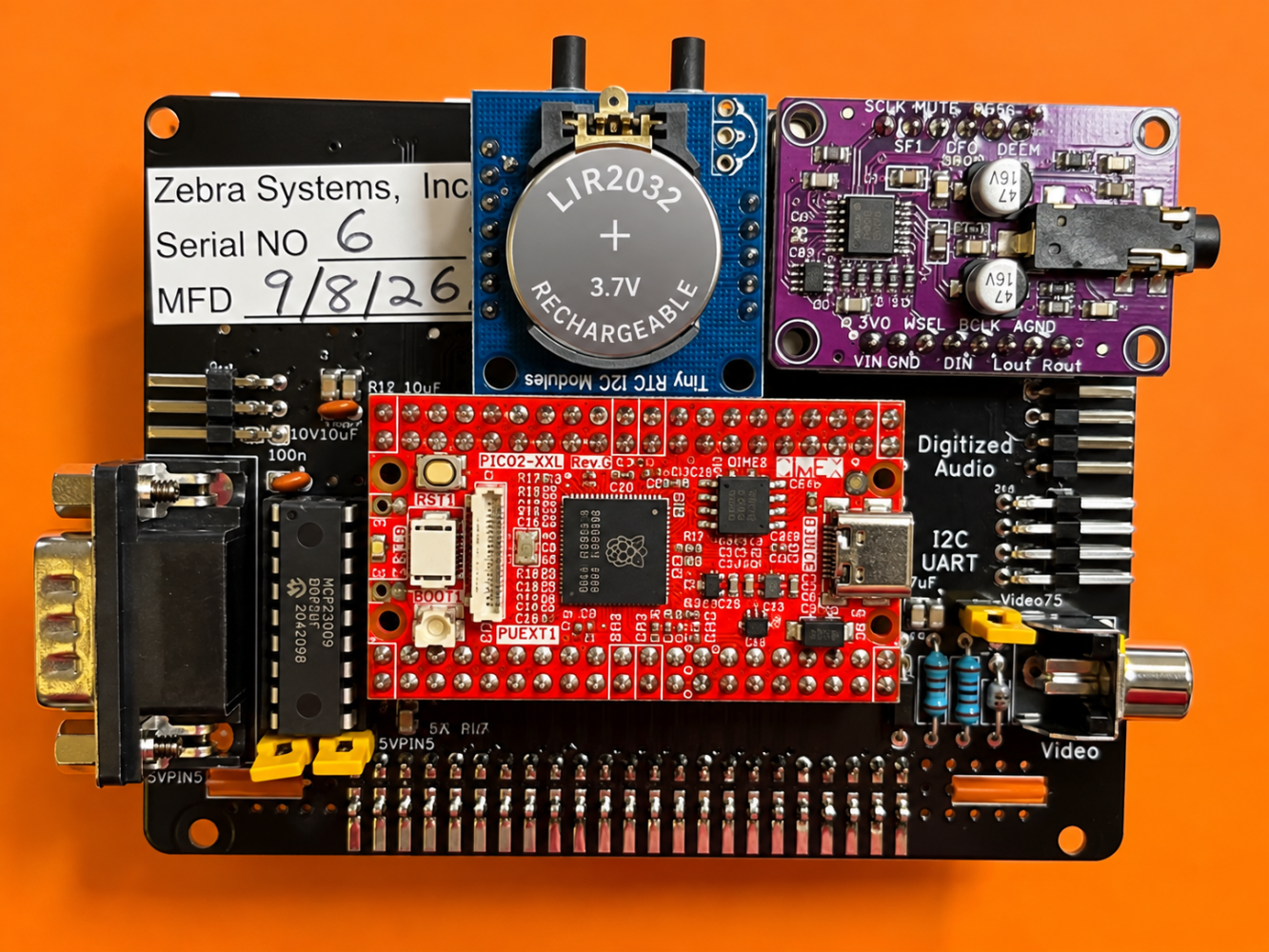
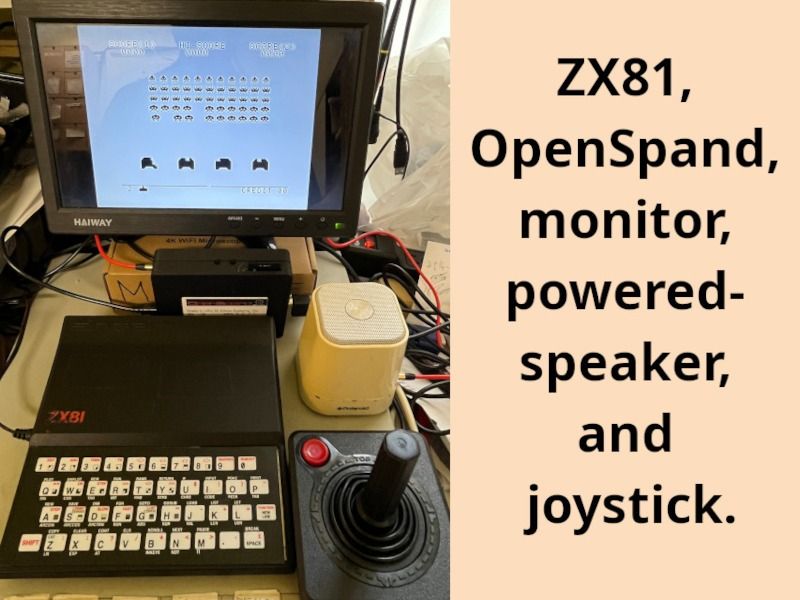
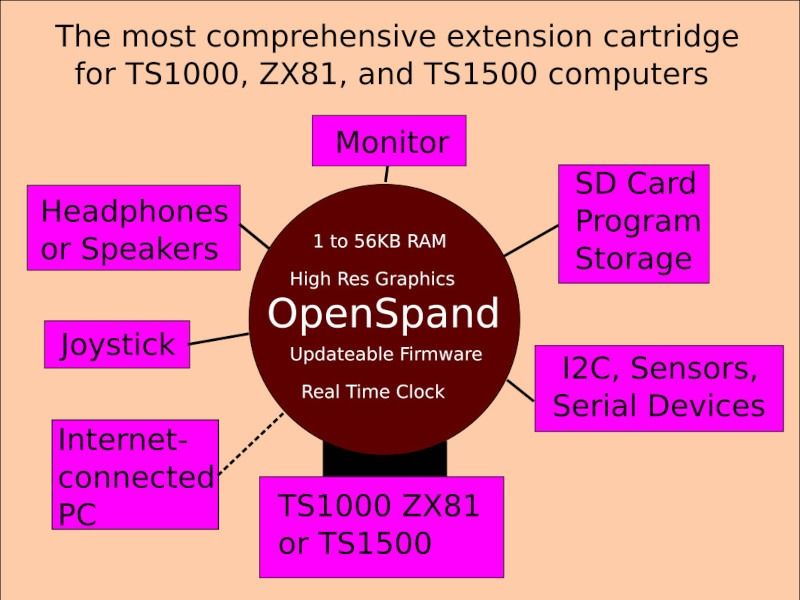
Swedish vintage computer enthusiast Adam Klotblixt developed OpenSpand as an open-source project and encourages others to build and distribute their own OpenSpand cartridges.
In March 1983, I started Zebra Systems, Inc., and my first product was a keyboard beeper for the Timex/Sinclair TS1000. I have been supporting the Timex/Sinclair community ever since.
Now, more than 40 years later, I am very excited to be manufacturing and selling the remarkably capable OpenSpand Expansion Cartridge for the ZX81 and TS1000.
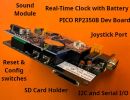
OpenSpand adds a remarkable range of capabilities to these classic computers, and I have created this website to make it easier for OpenSpand owners to learn about those capabilities, find software, and get help using their cartridges.
My current OpenSpand listings on eBay can be found here.
NOTE: I no longer sell to international customers on ebay because I've had ZX81 kits and OpenSpands rejected for poorly explained "import restrictions or eligibility requirements".
OpenSpand Support
The official OpenSpand project repository contains an excellent and comprehensive manual. The website you are looking at now is intended to supplement that documentation with additional information, software, tutorials, troubleshooting tips, and practical support for the OpenSpand cartridges sold by Zebra Systems.
I hope this site will also be useful to the broader Timex/Sinclair community and to anyone interested in keeping these remarkable computers alive.
Stewart Newfeld, September 2026
User Guide
- Home
- Users Guide
- Conventions used in this guide
- CHAPTER 1: OpenSpand Compatibility
- CHAPTER 2: Connecting Your OpenSpand
- CHAPTER 3: Choosing Your Display Settings
- CHAPTER 4: Testing Your OpenSpand
- *CHAPTER 5: Storing Programs on SD Cards
- CHAPTER 6 - Removing OpenSpand from its case without damaging it.
- *CHAPTER 7: Using a Joystick
- CHAPTER 7A: OpenSpand Sound Output
- CHAPTER 8: Setting Your Real Time Clock
- Chapter 9 - The OpenSpand Configuration Screen
- Chapter 10 - Installing your Real Time Clock Battery
- * Introduction
- *CHAPTER 5A - The OpenSpand Configuaration Screen
- !! Chapter titles preceded by an asterisk * have not been written yet !!
- INDEX TO DEMO SOFTWARE ROUTINES
- FAQs
- CONTACT